
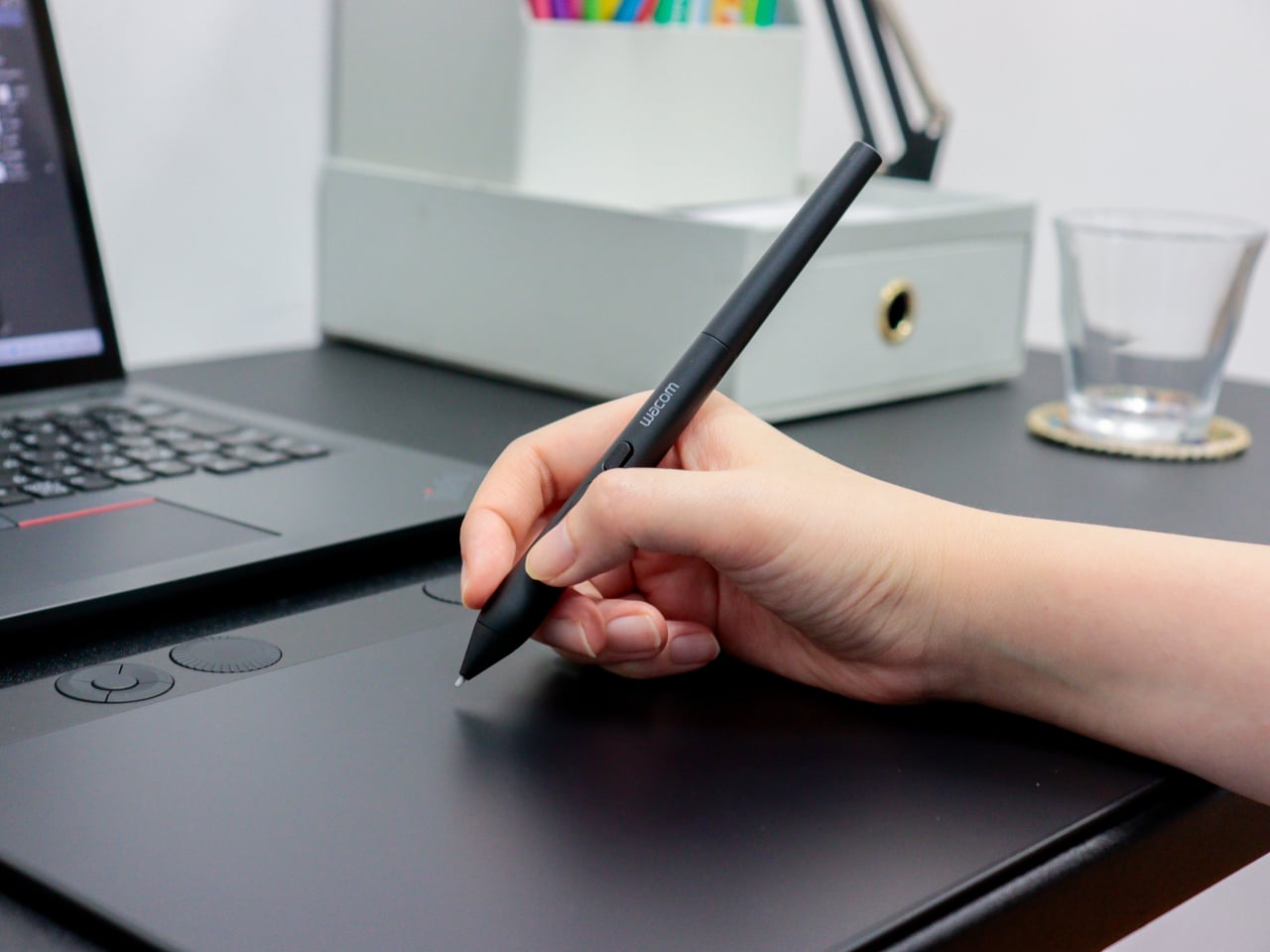
Digital art tools have gotten remarkably good at reading pressure and tilt, two of the three physical inputs that define how traditional artists handle a pen or brush. What’s remained elusive is the third one. The way a calligrapher twists a brush mid-stroke, or how a flat marker rotates to shift from wide edge to fine tip, hasn’t had a reliable digital equivalent for most current drawing hardware until now.
Wacom’s new Art Pen 2 addresses that directly. It’s the successor to the original Art Pen (KP701E) from 2010, a pen that already had a devoted following specifically for its 360° barrel rotation. The Art Pen 2 brings that same capability into Wacom’s current pen technology, combining rotation sensing with modern pressure and tilt detection in a tool built for serious digital drawing.
Designer: Wacom
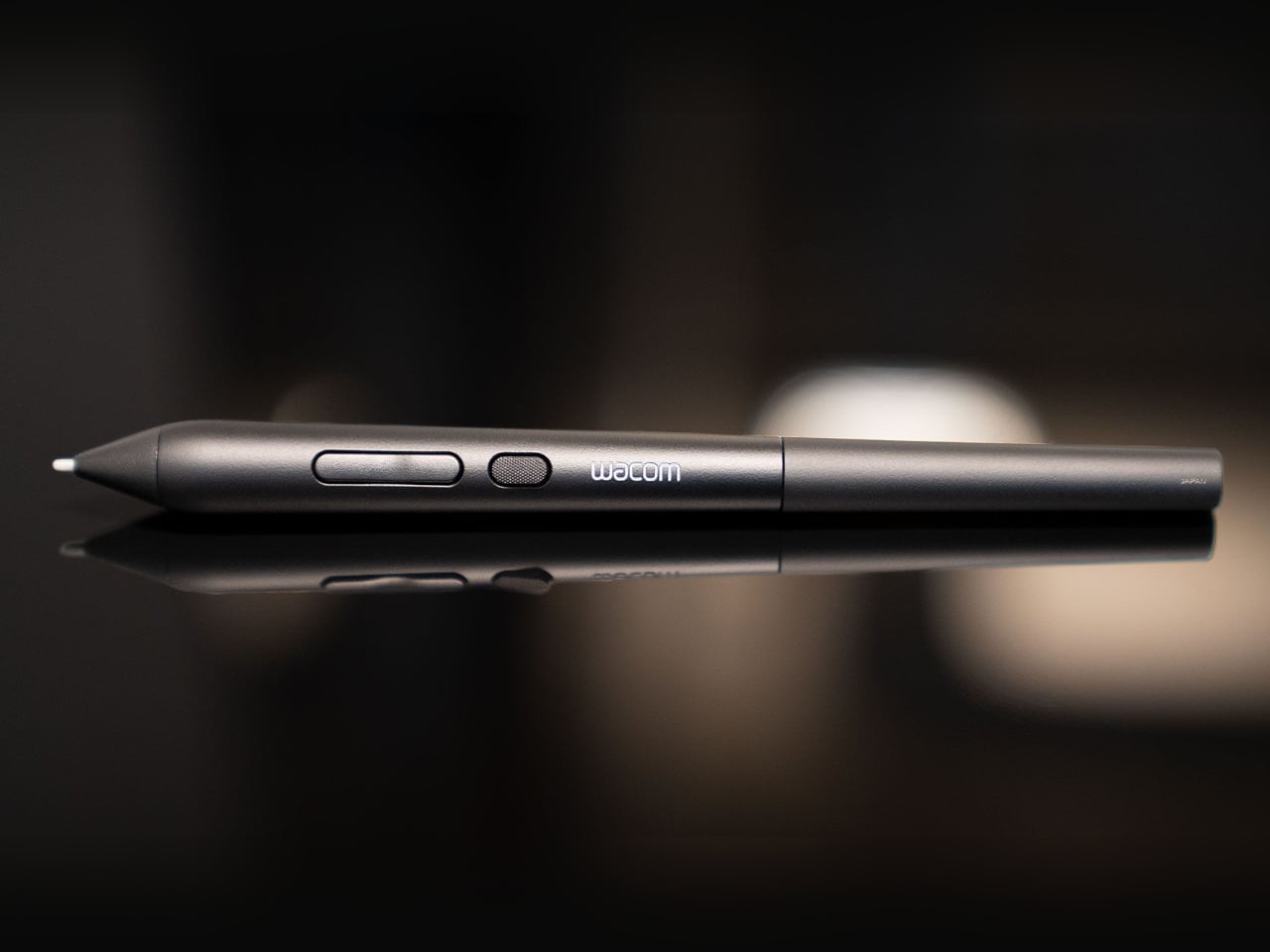
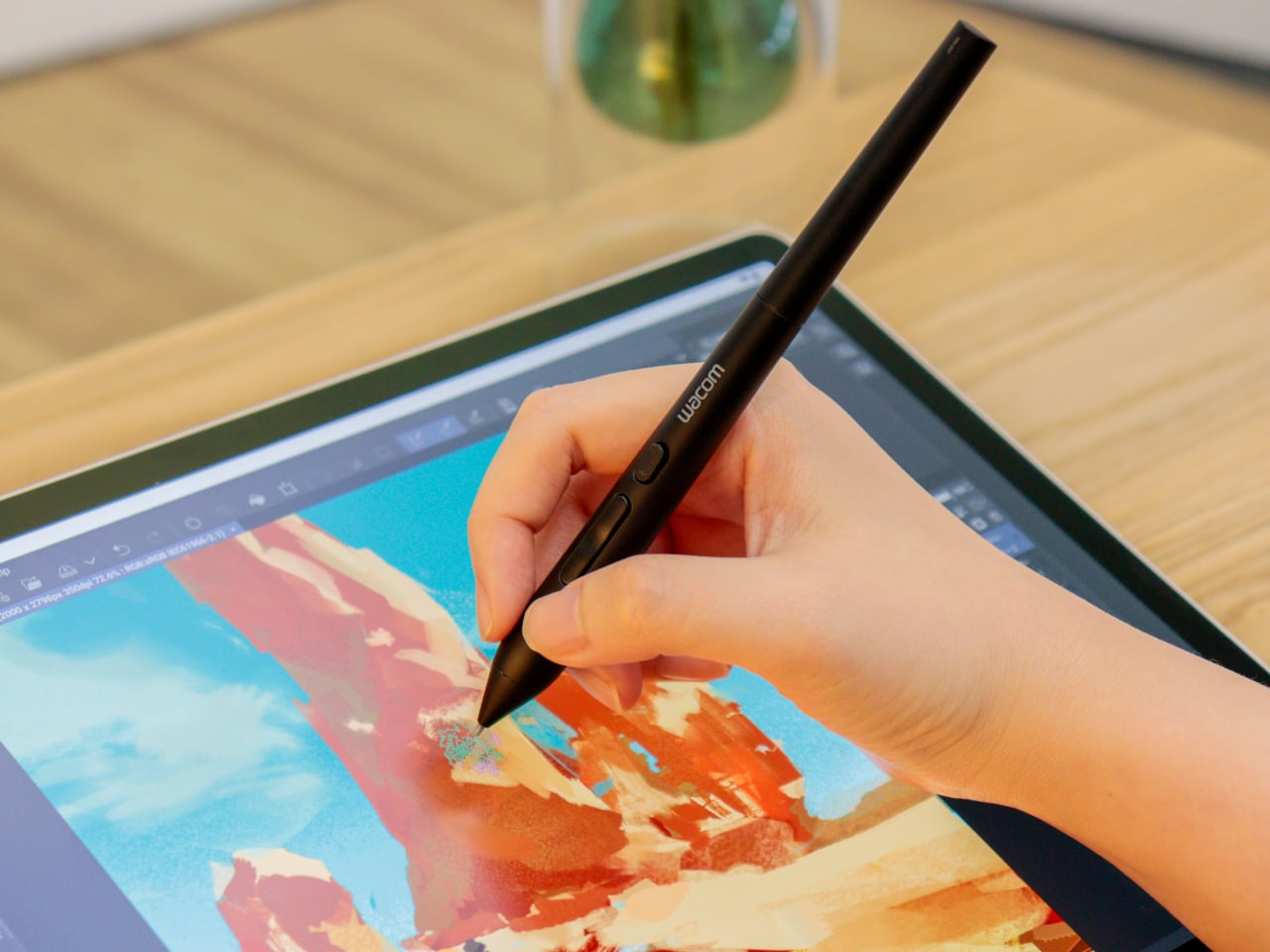
Rotating the pen in your hand, a motion letterers and calligraphers rely on instinctively, now translates into the software canvas when used with compatible applications. The Art Pen 2 reads that rotational angle and adjusts brush behavior accordingly, so thickening a stroke or softening an edge becomes a matter of how the pen sits in your grip, not which menu you reached for last.
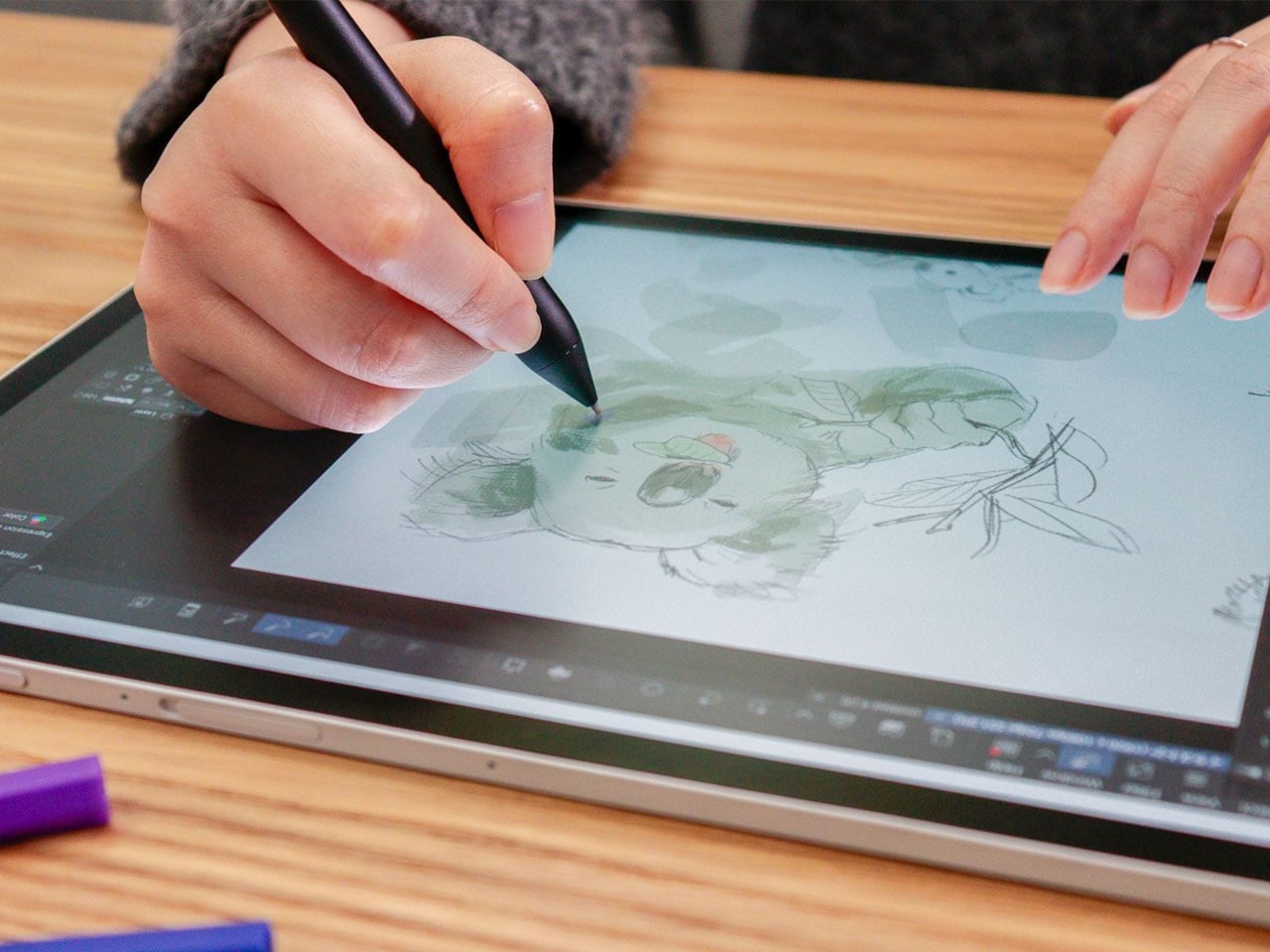
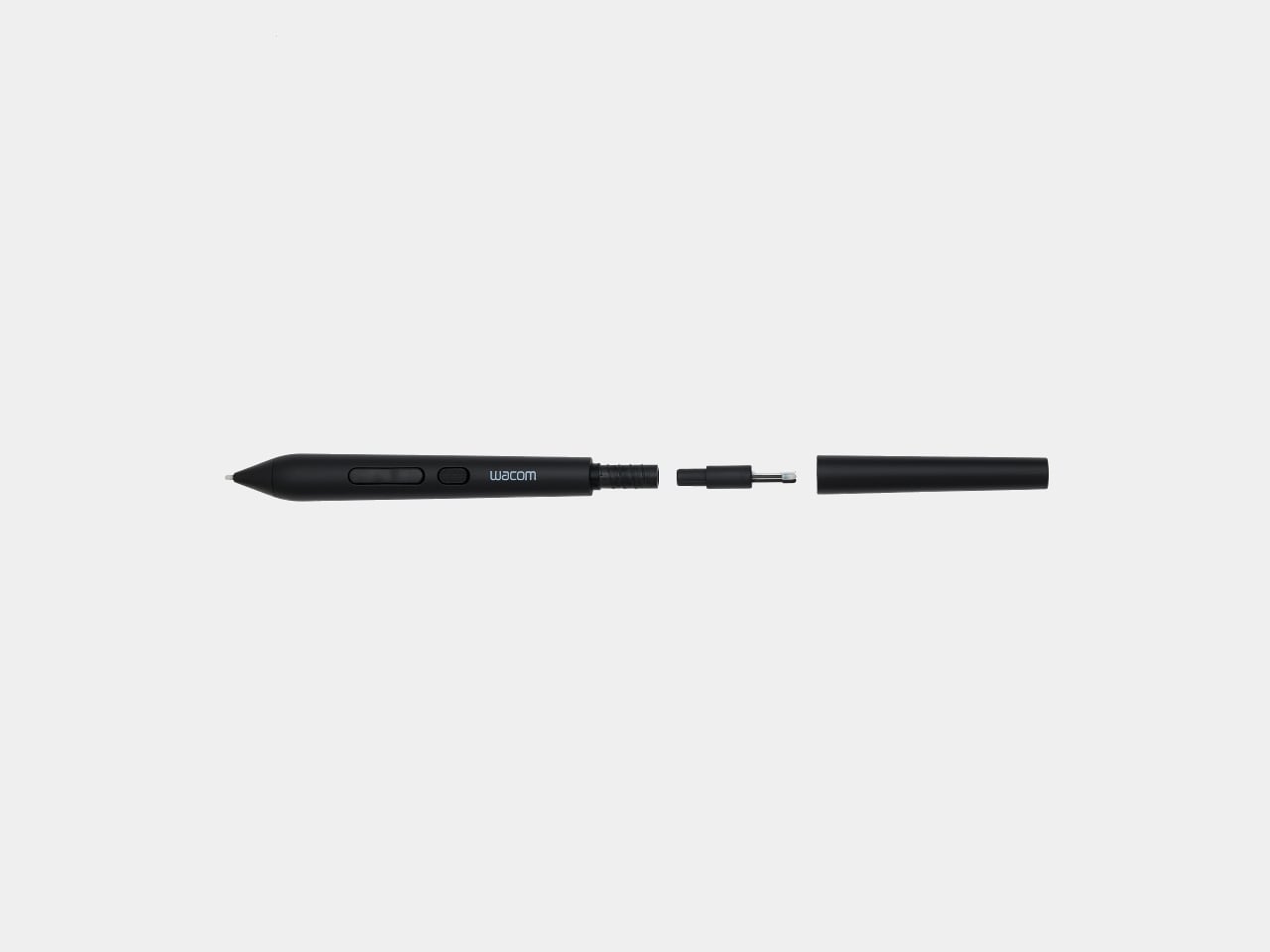
The technical foundation behind all that expressiveness is solid. The Art Pen 2 runs on Wacom’s battery-free EMR technology, so there’s no charge to manage mid-session. Three pen buttons handle workflow shortcuts, and up to 8,192 levels of pressure sensitivity cover everything from whisper-light gesture lines to heavy, decisive marks. A nib holder built into the barrel stores three spare tips for quick swaps.
Nib choice is also part of the picture. The pen ships with a Carbon Shaft POM (Polyoxymethylene) nib installed, a denser option suited to detailed, controlled work. Two additional types, standard POM Nibs and Felt Nibs, are available separately, each offering a different surface response that can shift the drawing experience considerably. All three nib types are exclusive to the Art Pen 2 and aren’t interchangeable with Pro Pen 3 nibs.
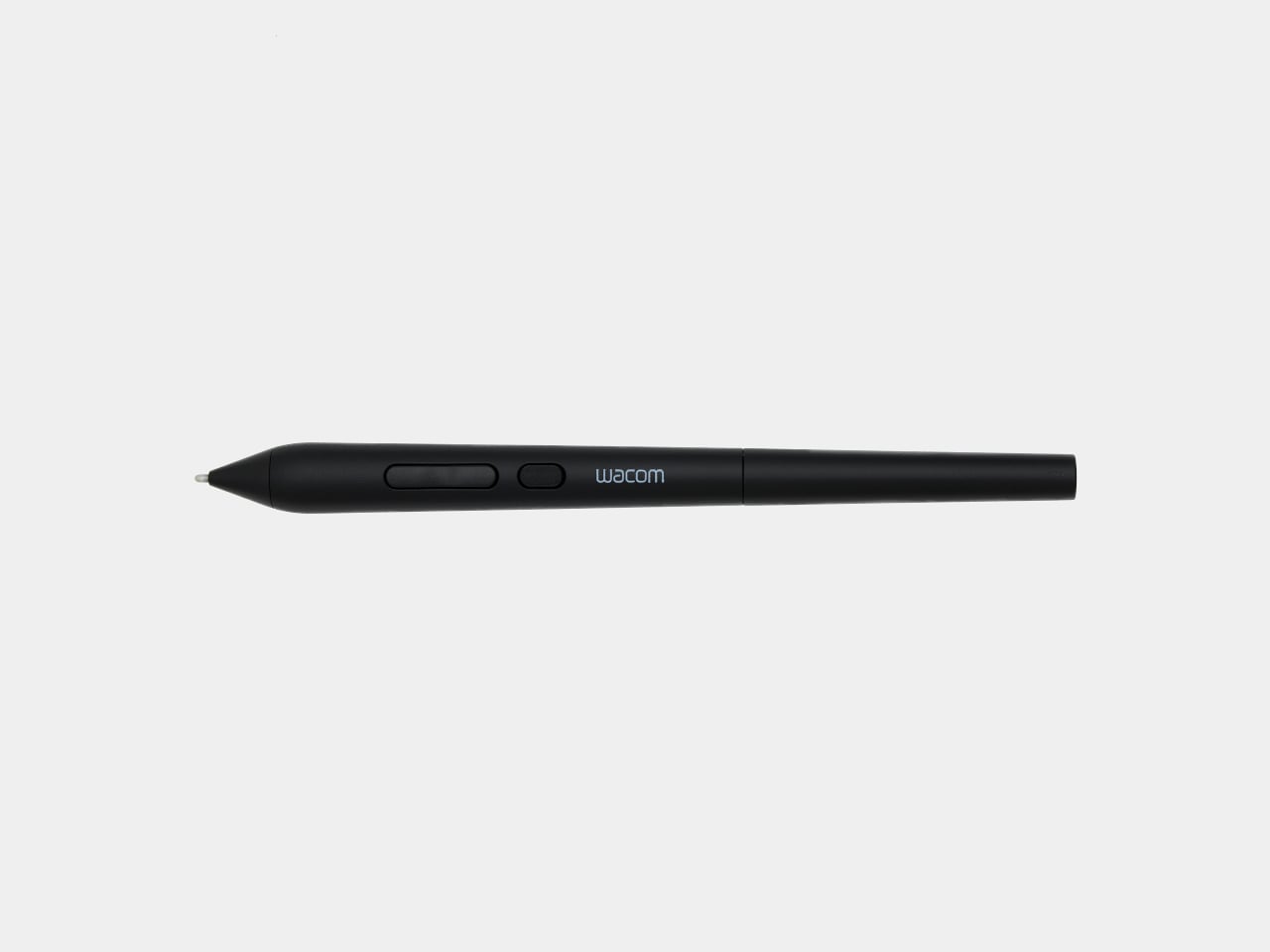
The Art Pen 2 sits alongside the Wacom Pro Pen 3 rather than replacing it. Where the Pro Pen 3 caters to artists who want physical customization, with interchangeable button plates, grips, and balance weights to fine-tune grip feel and center of gravity, the Art Pen 2 is built around expressive, rotation-sensitive drawing first. It’s a deliberately focused tool for a different kind of creative priority.
Compatibility covers a healthy range of current Wacom hardware. The Art Pen 2 works with the Wacom MovinkPad Pro 14, Wacom Intuos Pro (PTK470, PTK670, and PTK870), Wacom Cintiq 16 (DTK168), Wacom Cintiq 24 (DTK246), and Wacom Cintiq 24 touch (DTH246), with support for the Wacom Cintiq Pro lineup (DTH172, DTH227, and DTH271) arriving later this year.
Artists who’ve been using the original Art Pen for its rotation capability and waiting for it to work with current-generation Wacom devices finally have that option. The jump from the older KP701E to the Art Pen 2 also brings the full pressure sensitivity and EMR advances of today’s lineup, giving longtime fans of that rotation-based workflow a genuinely modern upgrade without giving up the expressiveness they’ve relied on.
The post Wacom Art Pen 2 Adds the One Input Every Digital Pen Has Ignored first appeared on Yanko Design.